
Overview
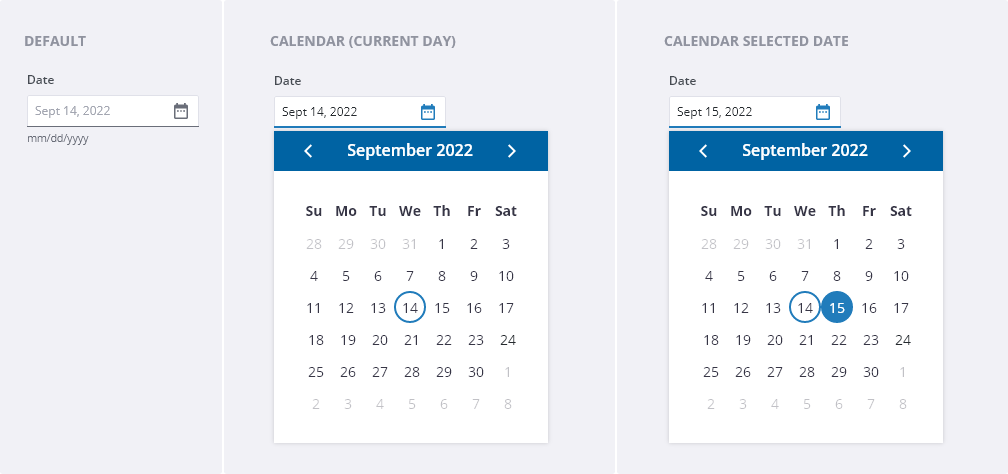
Use the Date & Time Picker to select a date or a date range from the calendar view or by typing in the date and/or time as indicated by the placeholder text.
Usage
Use when
- User needs to choose a single date in a calendar.
- User needs to choose a date range in a calendar.
- Asking the user to input a specific time.
Don’t use when
- User needs to pick multiple date ranges.
- There are multiple date pickers on the page.
- It’s easier or more convenient for the user to enter a date.
What's changed
| Date | Version | Notes | Contributors |
|---|---|---|---|
| 10/11/2022 | 1.4.0 | Added new component. | D. Zambrano, E. Gunther |